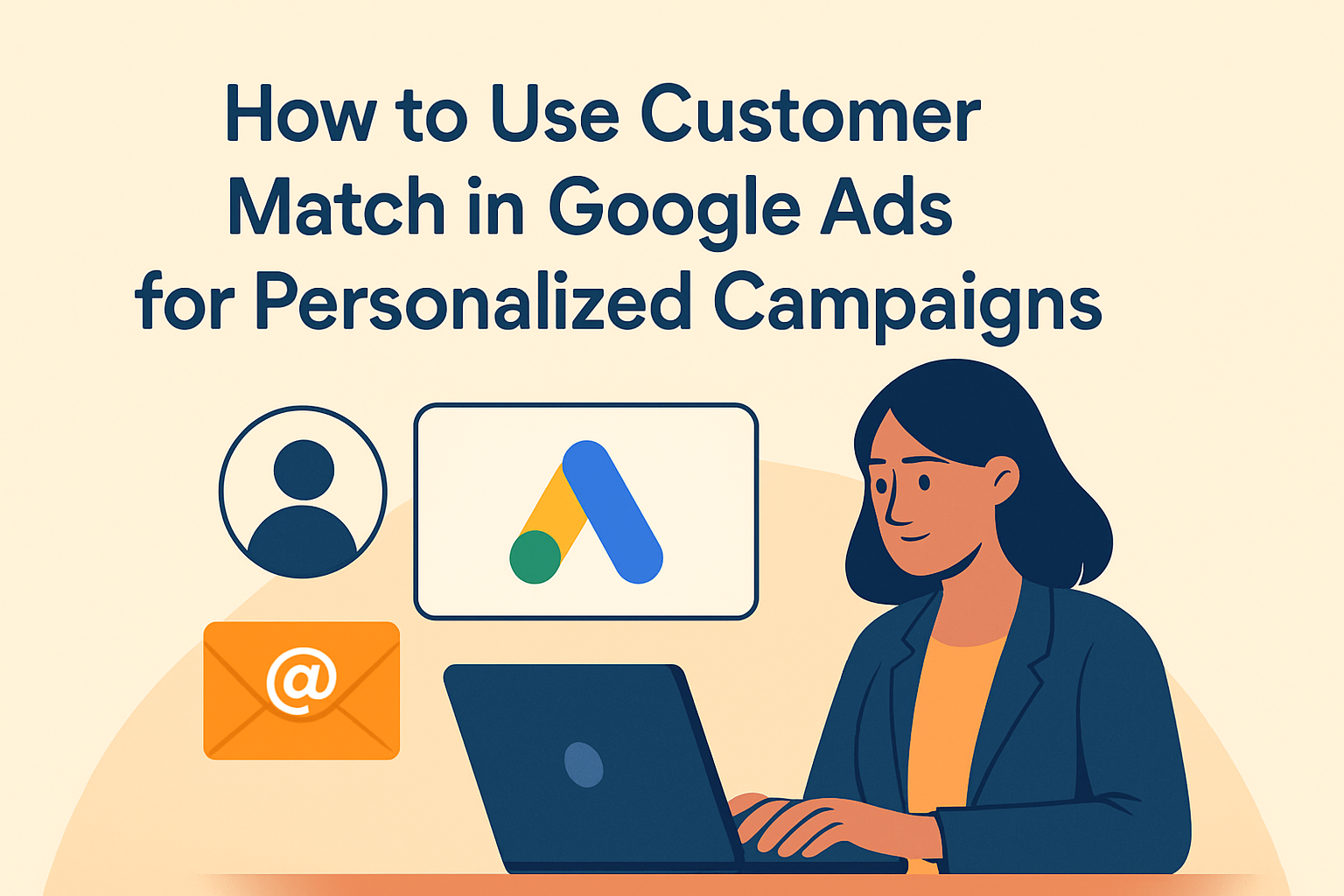
In the fast-paced world of digital marketing, reaching the right audience with the right message is the key to success. As businesses strive to establish meaningful connections with their customers, personalized marketing campaigns have become indispensable. This is where Google’s Customer Match comes into play, offering marketers a powerful tool to engage with their audience on a more personal level.
Customer Match in Google Ads allows advertisers to use their customer data to target specific audiences across Search, Shopping, YouTube, and Gmail. By uploading a list of customer emails, phone numbers, or addresses, businesses can create customized ads for these users, tailoring their marketing efforts to match the unique needs and interests of their audience.
This matters because it enables marketers to break through the noise and deliver messages that resonate. In an age where consumers are bombarded with advertising messages daily, standing out through personalization is more crucial than ever. Using Customer Match effectively can result in improved engagement, conversion rates, and ultimately, a better return on investment (ROI). With this understanding in mind, let us delve deeper into how to effectively use Customer Match in Google Ads for personalized campaigns.
Setting Up Customer Match in Google Ads
The first step in using Customer Match is setting it up within your Google Ads account. This process is relatively straightforward, but it’s essential to handle your customer data responsibly and comply with Google’s policies. To begin, you’ll need to collect your customer data, including email addresses, phone numbers, or addresses, which should all be gathered with the necessary consent.
Once you’ve compiled your data, navigate to your Google Ads account, and within the “Tools & Settings” menu, select “Audience Manager.” From there, you’ll find the option to create a new audience, where you can upload your data file in CSV format. Ensure your data file follows Google’s specifications to prevent any errors during upload.
A real-world example of setting up Customer Match can be seen with a retail business that wants to target previous purchasers with a special promotion. By uploading their list of customer emails, they can create a targeted campaign to remind past customers of new product lines or exclusive offers.
Segmenting Your Audience for Targeted Campaigns
Once your customer data is uploaded, it’s crucial to segment your audience effectively. Segmentation involves dividing your customer list into smaller groups based on similar characteristics or behaviors. This enables you to create highly targeted campaigns that speak directly to each segment’s unique needs and motivations.
For instance, consider a travel agency looking to promote vacation packages. By segmenting their customer list, they can target families, young couples, and solo travelers with tailored messages, emphasizing family-friendly destinations, romantic getaways, or solo adventure tours, respectively.
Using segmentation allows for more precise targeting, enhancing the relevance and effectiveness of your ads. This practice not only boosts engagement but also increases the likelihood of conversions, as customers are more likely to respond to messages that align with their specific interests and preferences.
Customizing Ads for Enhanced Personalization
Ad customization is a powerful aspect of using Customer Match. Once you’ve segmented your audience, the next step is to tailor your ads to address the distinct characteristics of each segment. Customizing your ad copy, visuals, and calls to action can significantly impact how your audience perceives your brand’s message.
Consider a fitness brand that caters to different groups, such as beginners, fitness enthusiasts, and seasoned athletes. By adapting their ad content, they can cater to these diverse groups effectively. For beginners, the ad might emphasize ease of starting and accessible programs, while for athletes, it could highlight advanced equipment and performance improvements.
Optimizing Campaigns Based on Audience Insights
One of the advantages of using Customer Match in Google Ads is the opportunity to gain valuable insights into audience behavior and campaign performance. Analyzing this data empowers marketers to optimize their campaigns for better results over time.
| Metric | Description |
|---|---|
| Click-Through-Rate (CTR) | Measures the percentage of users who click on your ad out of the total viewed it. |
| Conversion Rate | Indicates the percentage of users who complete a desired action (purchase, sign-up, etc.) out of total ad interactions. |
| Return on Ad Spend (ROAS) | Calculates the revenue generated for each dollar spent on advertising. |
For instance, a B2B software company can analyze the click-through rates (CTR) and conversion rates of their ads targeting different industry verticals. If they find that ads targeting healthcare providers have higher engagement and conversion rates than those targeting the tech industry, they might allocate more resources toward healthcare-related campaigns.
Regular analysis and optimization based on data insights can lead to continuous improvement in campaign performance, maximizing the impact of your advertising spend.
Real-World Example: Boosting ROI with Customer Match
Let’s explore a real-world example of how a retail company effectively used Customer Match to boost their ROI. The company, a leading fashion retailer, wanted to re-engage previous customers, drawing them back to their website with attractive offerings.
By uploading their list of customer emails into Google Ads, they created a campaign targeting past buyers with personalized ads showcasing their latest fashion collection. By tailoring the ad content to individual purchase histories, highlighting items similar to previous purchases, the company was able to capture their attention effectively.
Additionally, the retailer utilized segmentation to tailor messages for loyal customers and those who had abandoned their shopping carts, encouraging them to complete their purchases with time-sensitive discounts. This targeted approach resulted in a significant increase in engagement and conversion rates, ultimately boosting their return on ad spend (ROAS) by 30% compared to their generic campaigns.
Ensuring Privacy and Compliance
While leveraging Customer Match offers significant benefits, it’s essential to prioritize privacy and compliance throughout the process. Google places a high emphasis on user privacy and requires advertisers to comply with their policies and local regulations regarding data protection.
Ensure that your customer data is collected with consent, and avoid using any information obtained unlawfully. Familiarize yourself with GDPR, CCPA, and other privacy regulations applicable to your location to ensure compliance.
By respecting user privacy and maintaining transparency with your audience, you can establish trust and credibility, further enhancing the effectiveness of your personalized campaigns.
Conclusion and Next Steps
In conclusion, using Customer Match in Google Ads provides a valuable opportunity for marketers to create personalized campaigns that resonate with their audience. By understanding and implementing this tool effectively, businesses can optimize their advertising efforts and achieve better results.
The key takeaways include setting up Customer Match within your Google Ads account, segmenting your audience for targeted campaigns, customizing ads for enhanced personalization, and optimizing campaigns based on audience insights. Additionally, prioritizing user privacy and compliance is paramount to maintaining trust with your customers.
To get started with Customer Match, follow the steps outlined in this article and begin leveraging your customer data to deliver highly relevant and engaging ads. By doing so, you’ll be well on your way to boosting your marketing ROI and establishing stronger connections with your audience.
Ready to take your digital marketing efforts to the next level? Embrace the power of Customer Match in Google Ads today and unlock the potential for personalized campaigns that drive results.
Frequently Asked Questions
1. What exactly is Customer Match and how does it work in Google Ads?
Customer Match is a feature in Google Ads that allows advertisers to use their existing customer data to engage potential and current customers more effectively. By uploading a list of customer information, such as email addresses, addresses, or phone numbers, advertisers can create customized audiences. Google then matches this data with Google accounts and users, ensuring that your ads are displayed to the right people when they browse across various Google platforms like Search, YouTube, and Gmail. This precise targeting fosters deeper engagement as it allows you to reach your customers with personalized messaging at the right time and on the right platform.
2. What are the steps to get started with Customer Match?
Getting started with Customer Match is a straightforward process, but there are several important steps to ensure successful implementation. Firstly, you must gather your customer data, including email addresses and phone numbers, ensuring that you have permission to use this data. Then, format your data in a CSV file following Google’s guidelines. After that, upload your data file to Google Ads, where it will be hashed and matched with Google users. Finally, create personalized campaigns targeting your Customer Match lists. It’s crucial to monitor your campaigns regularly to optimize and make any necessary adjustments, guaranteeing that your approach remains effective and resonates with your audience.
3. What are the benefits of using Customer Match for personalized campaigns?
There are myriad benefits to utilizing Customer Match for personalized campaigns. This feature enables advertisers to build more focused and customized advertising strategies that increase engagement and conversion rates. By using data you already possess, Customer Match makes it possible to reconnect with previous clients, encourage new purchases, and boost customer loyalty. Additionally, it allows for lookalike audiences, helping you expand your reach to new users with similar characteristics to your existing customers. This ensures your marketing budget is spent on those who are more likely to convert, maximizing the effectiveness and efficiency of your campaigns.
4. How can Customer Match improve the effectiveness of a remarketing campaign?
Customer Match can greatly enhance the effectiveness of remarketing campaigns by allowing advertisers to target audiences based on prior interactions with their business. If a customer previously purchased from you or interacted with your website, Customer Match can help in re-engaging them with new offers or reminders that are personally tailored to their user journey. This high level of personalization can rekindle interest and drive conversions for products or services they may have previously considered. Furthermore, Customer Match’s ability to update audience data means you can continuously refine your targeting, ensuring it aligns with your consumers’ current behavior and preferences.
5. Are there any best practices to keep in mind when using Customer Match?
Indeed, employing best practices can significantly enhance the success of your Customer Match campaigns. Start by ensuring the data you upload is accurate, up-to-date, and collected with consent, as outdated or incorrect data can result in inefficient targeting. Segmentation is crucial – break your lists into categories that reflect different customer personas and behavioral patterns to tailor messaging specifically for each group. Constantly test your campaigns with A/B tests to figure out what type of messaging, creatives, and platforms work best for each segment. Additionally, keep an eye on performance metrics to continuously adapt and refine your strategies for best results. Lastly, it is important to be transparent with data usage and provide an easy opt-out option for users who may no longer wish to be targeted, to build and maintain trust with your audience.